
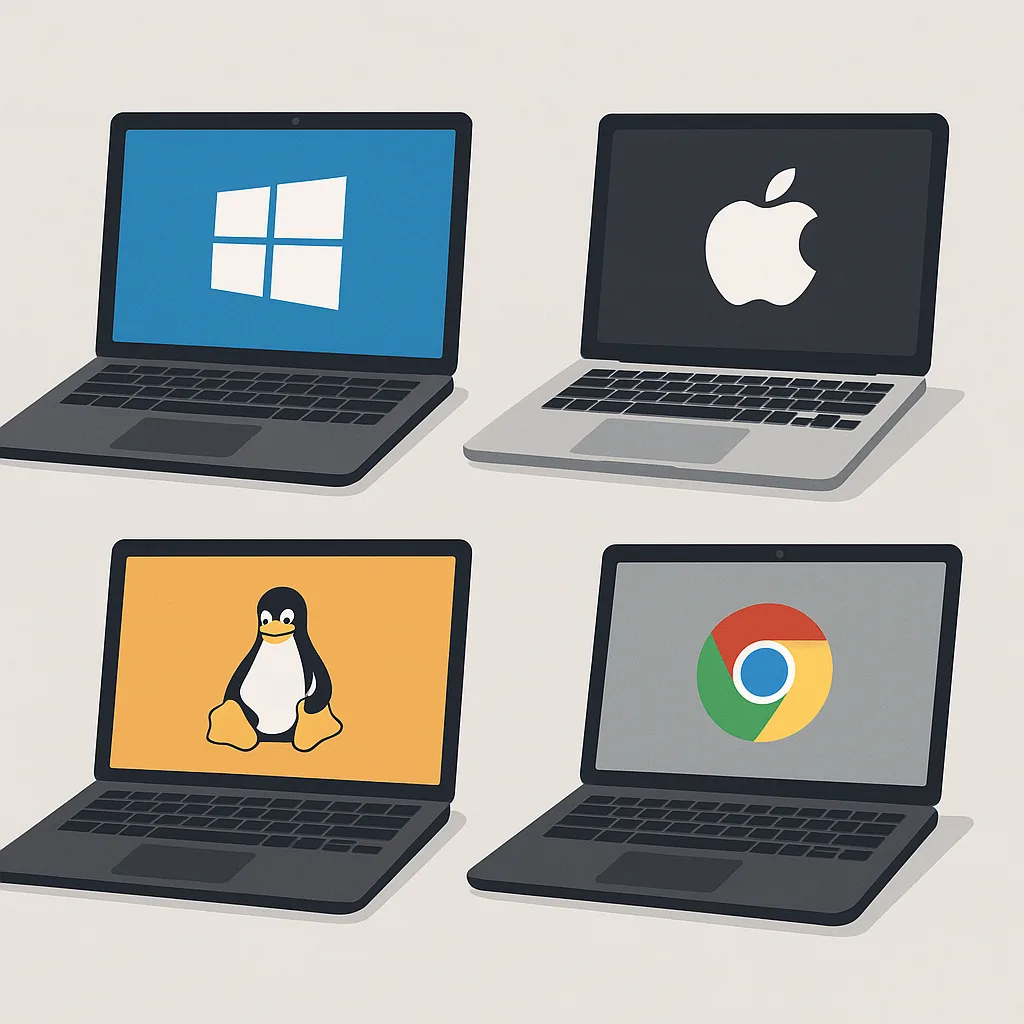
A simple guide to choosing the best operating system for your needs.
Introduction
Choosing a computer platform can be confusing. Should you use Windows, macOS, Linux, or Chrome OS? Each platform works well for certain users but feels frustrating for others.
The “best” computer platform is not the most expensive or the most popular. It is the one that fits your work, budget, skills, and habits.
This guide will help you understand the main platforms, what they are good at, and how to choose the right one for yourself.
Before You Decide: Ask These Questions
- What will I use my computer for most? (Work, school, gaming, design, coding?)
- Do I need special software? (Adobe, AutoCAD, engineering tools, etc.)
- How technical am I? (Beginner, normal user, advanced user?)
- Do I want something simple or highly customizable?
- How much can I spend on hardware and software?
- Do I care more about design, performance, flexibility, or stability?
Main Computer Platforms Explained
1. Windows
- Runs on many brands: Dell, HP, ASUS, Lenovo, custom PCs.
- Supports most software and hardware.
- Strong gaming support with powerful graphics cards.
Pros: Biggest software library, wide hardware choice, strong gaming.
Cons: Can slow down over time, more vulnerable to malware if not maintained.
Use Windows if: You want flexibility, compatibility, or gaming.
2. macOS
- Only available on Apple computers (MacBook, iMac, Mac Mini).
- Strong design, reliability, and performance.
- Great integration with iPhone and iPad.
Pros: Smooth performance, excellent design tools, stable system.
Cons: High cost, limited hardware choices, less gaming support.
Use macOS if: You love Apple products or do creative work.
3. Linux
- Free and open-source operating system.
- Many versions (Ubuntu, Fedora, Mint, Arch, etc.).
- Highly secure and customizable.
Pros: Free, powerful, lightweight, excellent for programming.
Cons: Steeper learning curve, fewer commercial apps.
Use Linux if: You enjoy control, privacy, and learning technology.
4. Chrome OS
- Runs mainly web apps and Android apps.
- Designed for speed and simplicity.
- Used on Chromebooks.
Pros: Fast, secure, very easy to use.
Cons: Limited offline use and software options.
Use Chrome OS if: You live in a browser and use cloud tools.
Which Platform Is Best for Your Needs?
For Office Work
- Windows and macOS are both excellent.
- Chrome OS works for web-based tools like Google Docs.
For Gaming
- Windows is the top choice.
- macOS has limited game support.
- Linux supports some games but not all.
For Programming and IT Work
- Linux and macOS are favorites among developers.
- Windows is fine with added tools and environments.
For Design and Video Editing
- macOS and Windows both work well.
- Linux has fewer commercial design tools.
For Students
- Chrome OS or Windows for simplicity and affordability.
- macOS for creative students.
Budget Considerations
- Low budget: Chrome OS or basic Windows laptop.
- Mid-range: Windows laptop or MacBook Air.
- High-end: macOS workstation or high-performance Windows PC.
Beginner vs Advanced User
Best for Beginners
- Chrome OS
- macOS
- Windows (with basic setup)
Best for Advanced Users
- Linux
- Windows (custom setup)
- macOS for creative professionals
Decision Guide
- Write down your main tasks.
- List software you must use.
- Decide how much you can spend.
- Check which platforms support your needs.
- Test if possible before buying.
Conclusion
There is no single “best” computer platform for everyone. The right choice depends on your goals and lifestyle.
Windows offers the widest compatibility, macOS is clean and powerful for creatives, Linux gives full control and freedom, and Chrome OS keeps things simple and fast.
The best platform is the one that helps you get your work done without frustration.