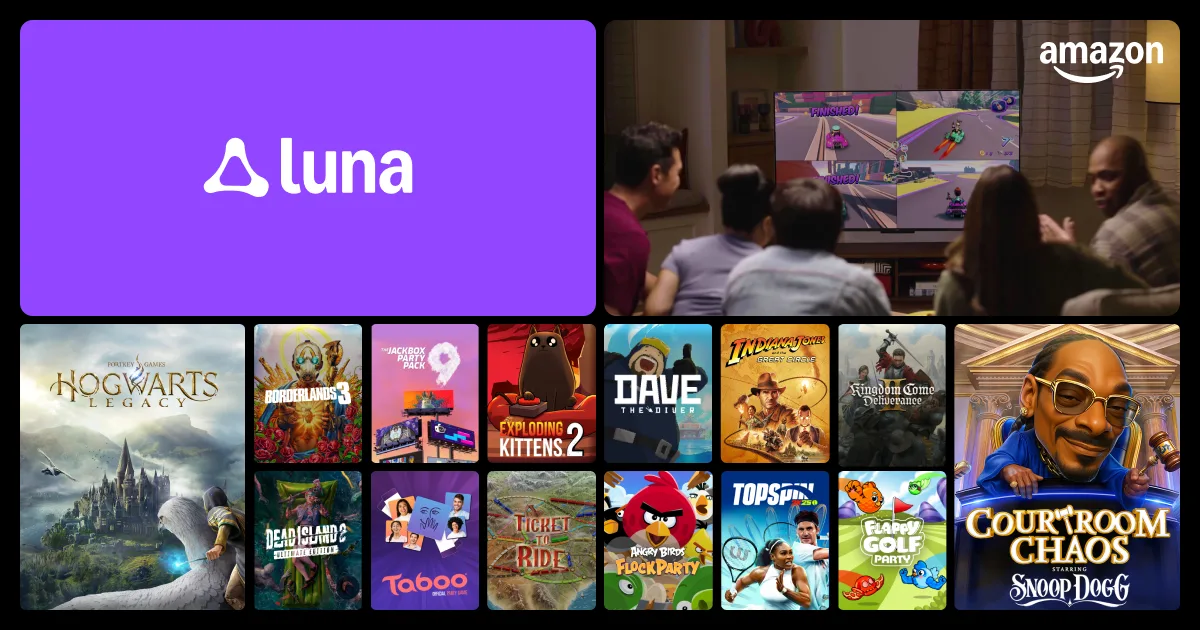
Amazon Luna is a cloud gaming service that lets you stream games directly from the internet—no console, no gaming PC, and no downloads required. Play instantly on TVs, laptops, phones, tablets, and Fire TV devices using controllers you already own. This guide explains how it works, what you get, how to set it up, and whether Luna fits your gaming lifestyle.
What Is Amazon Luna?
Amazon Luna is a cloud gaming platform where games run on Amazon’s servers and stream to your screen—just like Netflix streams movies. Instead of buying expensive hardware, you simply connect to the service and play through the internet.
How it’s different from traditional gaming
- No downloads: games stream instantly—no installs or updates.
- No hardware upgrades: performance depends on your internet, not your PC or console.
- Cross-device play: start on TV, continue on laptop or tablet.
- Subscription model: access a library of games instead of buying each one individually.
Amazon Luna Game Channels (How Content Works)
Luna uses a channel-based system. Instead of one massive library, you subscribe to different channels, each offering a collection of games.
Common channel types
- Luna+: General gaming library (action, adventure, indie, family games).
- Ubisoft Channel: Ubisoft titles (Assassin’s Creed, Far Cry, Watch Dogs, etc.).
- Family Channel: Kid-friendly and family-safe games.
How to Set Up Amazon Luna (Step-by-Step)
1) Create or sign in to your Amazon account
- Use your existing Amazon login.
2) Visit Amazon Luna
- Go to the Luna platform and choose a channel subscription.
3) Choose your device
- PC or Mac (browser-based)
- Fire TV or compatible smart TVs
- Phone or tablet (mobile browser)
4) Connect a controller
- Amazon Luna Controller (Wi-Fi direct connection)
- Xbox controller
- PlayStation controller
- Bluetooth controllers
5) Start playing
- Select a game → press play → stream instantly.
Internet Requirements & Performance
- Recommended speed: 10–20 Mbps for smooth gameplay.
- Latency: Lower ping = better responsiveness.
- Connection type: Ethernet > Wi-Fi > mobile data.
- Router quality: A good router improves cloud gaming stability.
Who Amazon Luna Is Best For
- Casual gamers
- Families with kids
- Students and dorm setups
- Travelers and digital nomads
- People who don’t want to buy a console
Who it’s not ideal for
- Competitive esports players
- Gamers with unstable internet
- People who prefer owning physical games
FAQ
Do I need a console or gaming PC?
No. Amazon Luna runs entirely in the cloud.
Can I use my existing controllers?
Yes. Xbox, PlayStation, and many Bluetooth controllers are supported.
Is Amazon Luna free?
It uses paid subscriptions (channels), sometimes with free trials.
Can kids use it safely?
Yes. Parental controls and family-friendly content channels are available.
Final Thoughts
Amazon Luna makes gaming simple: no hardware upgrades, no downloads, no storage limits—just press play. If you want easy access to games across devices with minimal setup, Luna is one of the most convenient cloud gaming platforms available. It’s especially great for families, casual gamers, and anyone who values simplicity over hardware ownership.